WPORT CLI Guide: Let AI Agents Search Jobs and Pull Data Directly in the Terminal
Install @wport/cli, search WPORT jobs with one command, and output JSON for Cursor and other AI Agents to continue processing. Includes setup, common commands, Agent-friendly flags, and real examples.
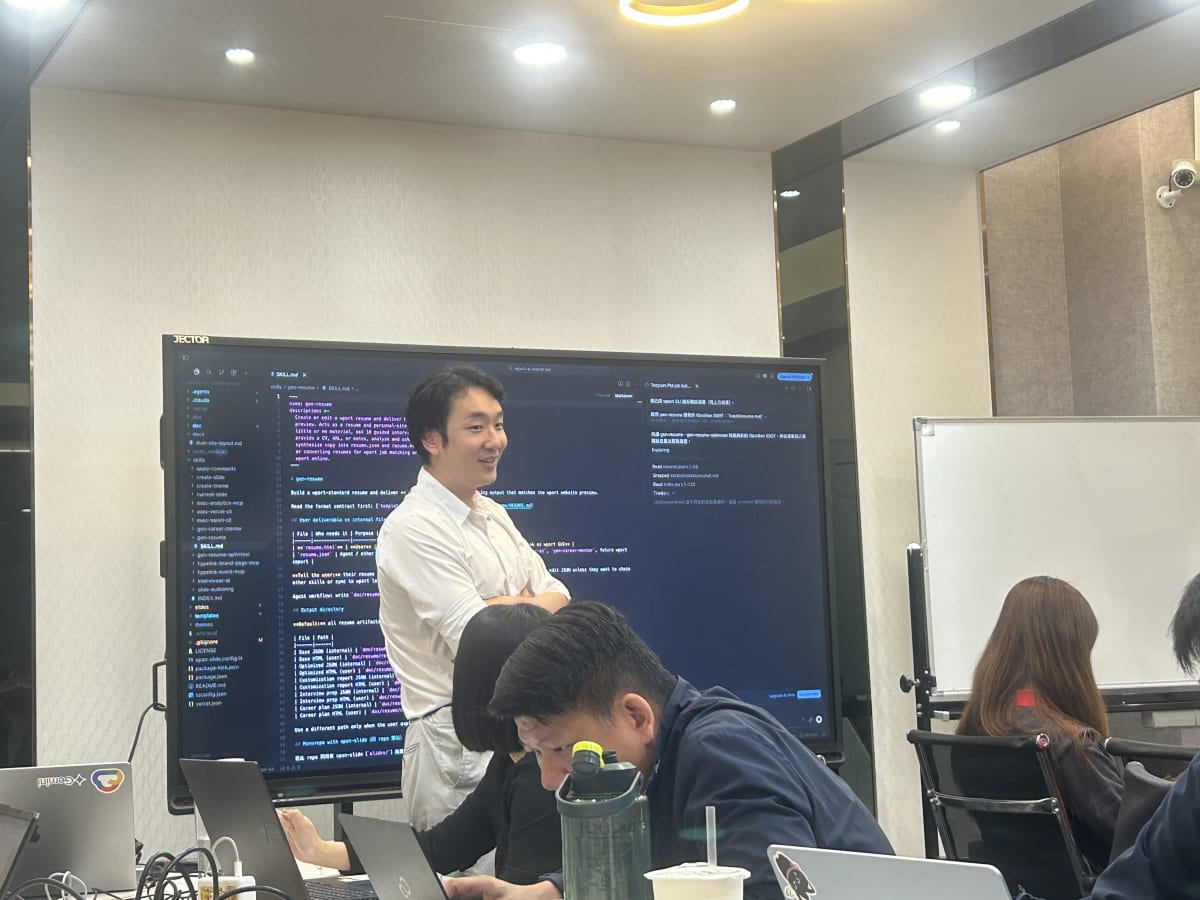
When you tell AI in Cursor “find me PM jobs in Taoyuan,” it usually can only search the web or ask you to copy and paste manually.
If we turn job search into a CLI, an AI Agent can run commands in the terminal, get structured JSON, then continue into resume customization, JD matching, or even writing into your Obsidian notes. That is why WPORT CLI (@wport/cli) exists.
Why CLI, not a webpage?
Web UIs are great for human clicking. Command-line interfaces (CLI) are great for programs and AI Agents.
| Scenario | Web GUI | WPORT CLI |
|---|---|---|
| Humans browsing jobs | Intuitive and polished | Possible, but not the main use |
| AI Agent auto search | Needs click simulation, unstable | One command, stable |
| Output for the next Skill | Have to scrape HTML | Native JSON / NDJSON |
| Scripts or CI | Hard | pipe into jq |
WPORT CLI is the terminal interface for the W101 Talent Search Center public API. Public job search and viewing do not require login. Employer-side job management has a separate enterprise subcommand (API Key required; briefly covered at the end).
Version note: The latest npm release is currently
0.5.0, still in the0.xpre-release stage. API domains and commands may change. Pin a version in automation scripts.
Install
Requires Node.js >= 18.17.
npm install -g @wport/cliAfter install, type wport in the terminal. If an AI Agent (such as Cursor Agent) has terminal access, it can run these commands for you too.
Verify the environment:
wport doctordoctor shows the configured API base, locale, connection status, and API behaviors Agents should watch for (for example, sort fields are decided by the server and cannot be overridden by the client).
Three-step quick start
1. Search jobs
wport jobs search --keyword "產品經理"Add location codes to narrow results (location codes can repeat with -l):
wport jobs search --keyword "PM" -l 6001001000By default the terminal shows a table. If output is piped, it automatically switches to JSON for downstream processing.
2. View a single job
Copy enc_id from search results, then run:
wport jobs view <enc_id>You can also fetch one field only to reduce tokens the AI reads:
wport jobs view <enc_id> --field job_info.job_title3. Output JSON for Agents or jq
wport jobs search --keyword backend --output jsonIf you only need fields an Agent requires, use --minimal (a compact field set):
wport jobs search --keyword backend --minimal --output jsonOr choose fields yourself:
wport jobs search --keyword backend --fields enc_id,title --output json--minimal and --fields trim JSON on the client, so the LLM reads fewer irrelevant fields. Network payload size stays the same. This is designed specifically for Agent workflows.
Practical examples for AI Agents
Example A: Search → extract enc_id → batch-read titles
wport jobs search --keyword backend --fields enc_id --output json \
  | jq -r '.data[].enc_id' \
  | wport jobs view - --batch --field job_info.job_title
--batch mode reads multiple enc_id values from stdin and outputs NDJSON line by line. One failure does not stop the whole batch. Good for Agents processing many JDs at once.
Example B: Ask the Agent to run it in Cursor
In Cursor Agent mode, you can say:
Please run
wport jobs search --keyword "桃園 產品經理" --minimal --output jsonin the terminal, turn the results into a Markdown table, and mark the 3 listings best for new grads.
The Agent will call the CLI, get JSON, then continue into resume advice based on your Skill or conversation. Much more reliable than asking it to “find jobs on the website.”
Example C: Advanced query (--json-query)
Some filters (years of experience, remote mode, salary range, and more) are not yet exposed as short flags. Write them into a JSON file and pass it in:
wport jobs search --json-query ./my-search.json --output jsonThe JSON shape matches the server-side JobSearchDto, which is useful for advanced scripts or Agents that generate query files dynamically.
Locale and personal settings
CLI UI strings are fixed. --lang affects the language of API response content (job descriptions and similar):
wport jobs search --keyword backend --lang en-USPersist preferences:
wport config set locale zh-TW
wport config get
Configurable items: locale, output, timeout_ms. Set the API base via environment variable or flag, not config (for safety):
WPORT_API_BASE=https://api.wport.me wport jobs search --keyword backend
# or one-off
wport jobs search --keyword backend --api https://api.wport.me
Enterprise commands (recruiters)
If you manage WPORT jobs for a company, use the wport enterprise subcommand (requires enterprise API Key wpk_live_...; contact the BD team to get one):
wport enterprise login          # store the key securely (does not appear in shell history)
wport enterprise jobs list --status published
wport enterprise jobs create --file new-job.json
wport enterprise talents list --tab applied
Enterprise commands are fully isolated from public wport jobs. Without login, you never touch employer APIs. CI / Agents can also pass the key via environment variable:
WPORT_API_KEY=wpk_live_... wport enterprise jobs list --minimal --output jsonExit codes and rate limits
When Agents write scripts, use exit codes to judge results:
| Code | Meaning |
|---|---|
0 | Success |
2 | Bad arguments |
3 | Server 4xx |
4 | Server 5xx / network error |
5 | Corrupted config |
Public job search is limited to about 1200 requests / minute / IP, enough for normal interactive use and single-threaded Agents. Do not hammer it with multi-process crawlers.
Why we designed it this way
- Agent first:
--minimal,--fields,--batch, and pipe-friendly JSON defaults all help AI read less noise and do more work. - Public and enterprise separated: Job seekers use
wport jobswith no account. Company features live underenterprise, with clear key permissions. - Scriptable: Chaining with
jq, Skills, and MCP toolchains turns “search jobs” into one link in resume customization and application tracking pipelines.
This was also the core demo at Charging Station Vol.3: one wport jobs search, and Taoyuan PM jobs enter the Agent workflow immediately. If you missed the class, this article is the make-up handbook.
Next steps
- Install the package: npmjs.com/package/@wport/cli
- Troubleshooting: Run
wport doctorfirst. During0.x, email yao@wport.me - Browse jobs on the site: wport.me
We will keep updating the “WPORT features” section with new commands, Agent integration examples, and product design trade-offs. Bookmark this post, and next time you open Cursor, just ask the Agent to run wport.