Charging Station Vol.3 Recap|An AI Course Non-CS Beginners Can Actually Build With, Taoyuan Edition
Recap of Charging Station Vol.3: “An AI course non-CS beginners can actually build with.” We took absolute beginners from Zhongli, Bade, and Luzhu through Cursor, Obsidian, CLI, and MCP, and in three hours shipped a personal site plus tailored resumes.
What is Charging Station?
Charging Station is WPORT’s free in-person event series in Taoyuan. Each session focuses on one theme, skips the fluff, and stays hands-on so people leave with visible results. For the full introduction and past events, see this overview.
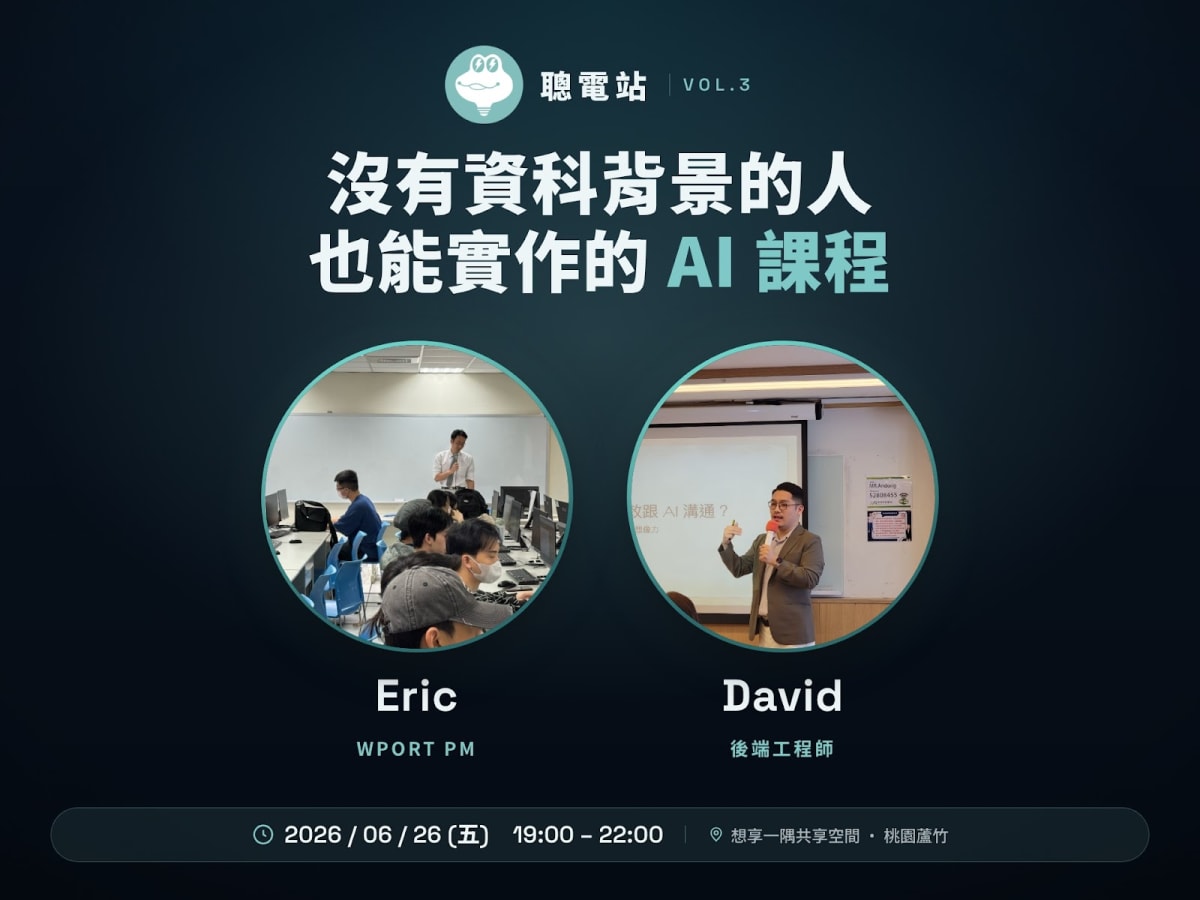
Vol.3’s theme was “An AI course non-CS beginners can actually build with.” No coding background required. Everything was hands-on. Led by Eric (WPORT PM) and David (backend engineer), three hours took you from environment setup to a live site:
- AI IDE: Meet four free tools, Cursor, Codex, Kiro, and Antigravity, and understand why work should move from the ChatGPT chat box into an IDE
- GitHub Fork: Copy the course repo to your own account and create your first AI project
- Obsidian knowledge map: Turn experience and skills into structured data AI can read
- Skill reverse-questioning: Let AI help you think through content, not just write it
- CLI job pull × resume customization: One command to pull Taoyuan PM jobs and auto-generate three tailored resumes
- Vercel deploy: Ship your personal site with one command
What did this course teach?
In three hours of Taoyuan AI training, we walked through the mainstream 2026 AI workflow in four stages:
Stage A: Environment setup × choosing an AI IDE Start by forking the course repo on GitHub, meet Cursor, Codex, Kiro, and Antigravity, and understand why you should move from a ChatGPT chat box into an IDE workspace.
Stage B: Use AI to understand an unfamiliar project Drop the README into the AI IDE chat. In about three minutes, let AI explain the repo’s purpose and structure, and build the professional habit of reading the README first.
Stage C: Obsidian knowledge map × personal site generation Use Obsidian to structure experience, skills, and portfolio pieces, then use Skill reverse-questioning so AI helps you dig for content. Finally generate personal-site HTML in one click via a local path.
Stage D: Prompt → Skill → CLI × MCP automation pipeline Upgrade working prompts into reusable Skills, pull Taoyuan jobs with WPORT CLI, customize three resumes, then deploy the site live with one Vercel CLI command.
| Time | Unit | Tools |
|---|---|---|
| 0 – 40 min | AI IDE vs Chatbot, GitHub Fork | GitHub, Cursor / Codex / Kiro / Antigravity |
| 40 – 90 min | Use AI to understand an unfamiliar repo | AI IDE, README.md |
| 90 – 150 min | Obsidian knowledge map × Skill reverse-questioning × site generation | Obsidian, Skill, Local Path |
| 150 – 180 min | CLI job pull, resume customization, Vercel deploy | WPORT CLI, Vercel CLI, MCP, Skill |
On site

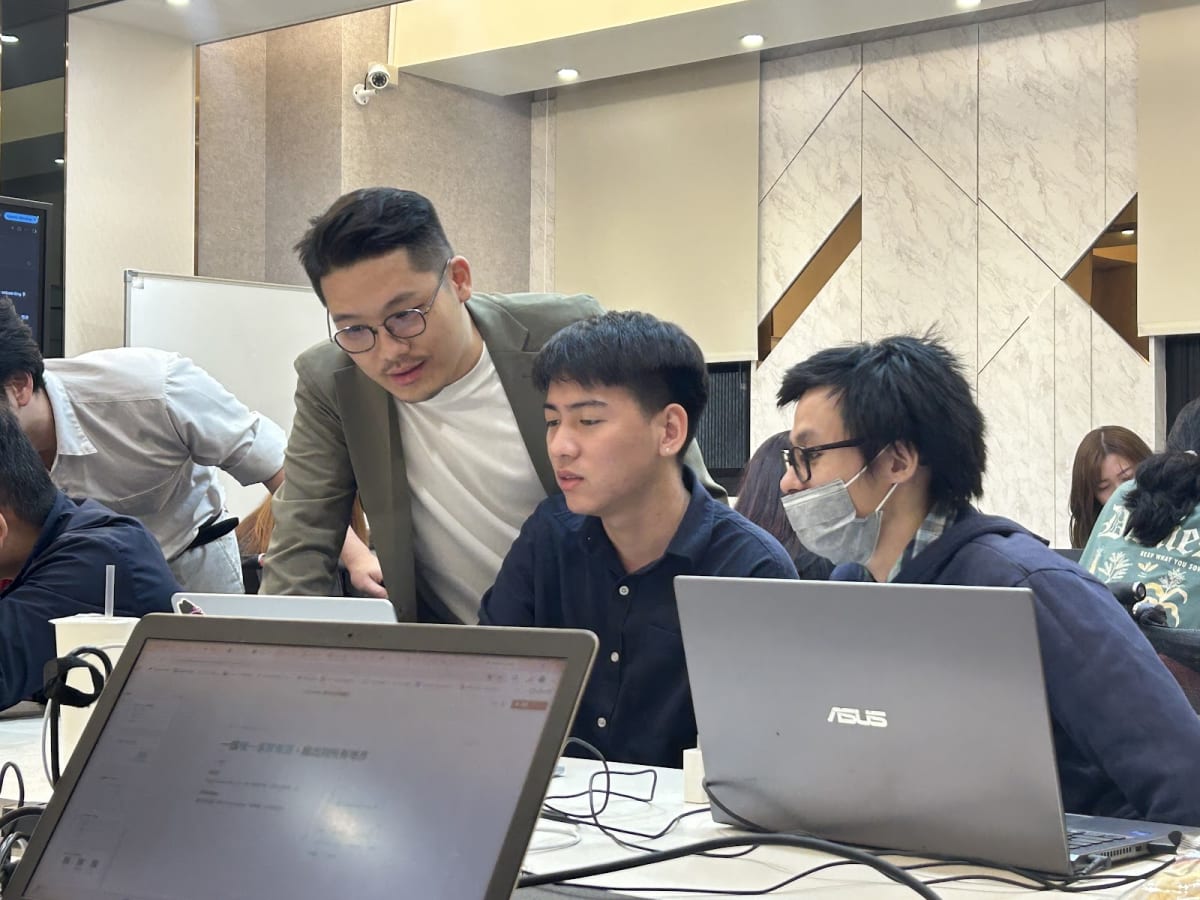
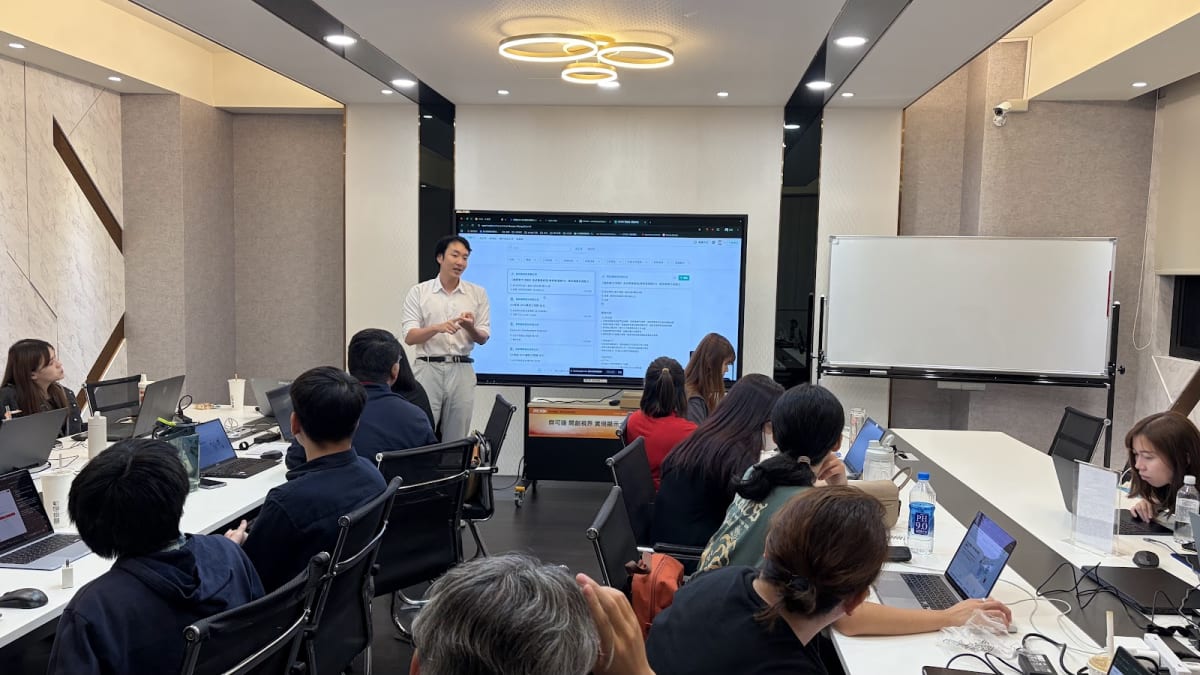
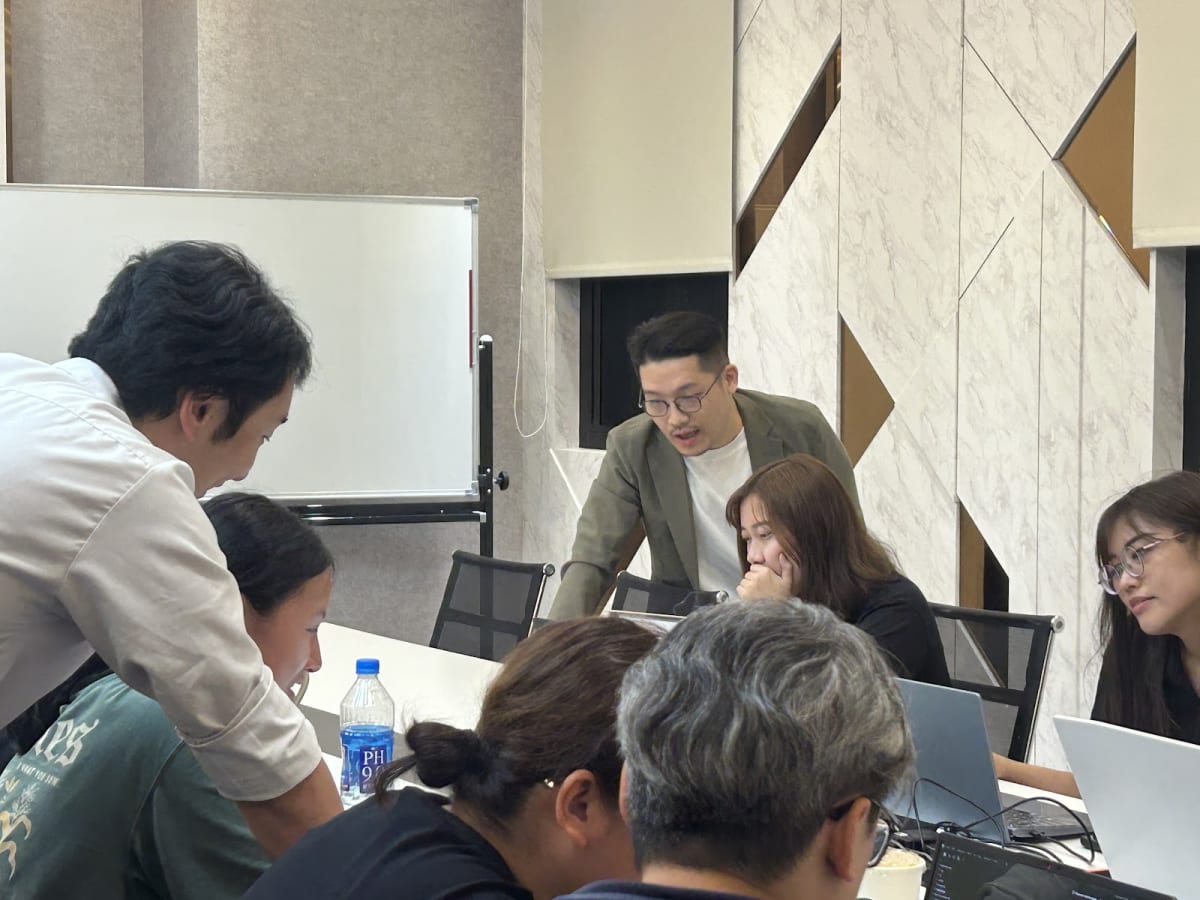
This Taoyuan AI course stayed hands-on the whole way, not lecture-only. People built while asking questions. When someone got stuck, we broke the problem down on the spot, and most issues were solved right there.
One moment hit especially hard. Kainan University is in Luzhu, Taoyuan, only a few minutes by scooter from our venue. This time, two students I had taught at Kainan signed up on their own. Seeing students ride over after regular class hours to keep learning AI IDE and CLI tools is one of the most rewarding scenes as an instructor. This is exactly what we want to do: help local Taoyuan students and working adults access the newest AI applications without always commuting into Taipei.
One participant with no coding background got the forked project running by the end of stage two and said, surprised, “So that was all it took.” Another used stage three to turn scattered experience into a knowledge map and saw AI generate site content that “actually sounded like me” for the first time.
After three hours, people left with more than class notes. They left with a practice path they could keep extending.
More importantly, everyone walked out with the same feeling: AI is not only for asking answers. It can also help you organize yourself, produce work, and support a job search. For beginners, that shift matters more than memorizing any single command.
Where is the next Taoyuan AI course?
If you missed this one, do not worry. Charging Station will keep hosting free AI courses and career events in Taoyuan. Themes will get more practical, from AI IDE, Obsidian, CLI, MCP, and Skill to job-search applications and creator workflows.
To get the next Taoyuan AI course info first, whether you live in Taoyuan, Zhongli, Bade, Luzhu, Guishan, or Pingzhen, or you come over from Linkou or Xinzhuang, follow our events page.
Put AI to work in life and work. Start in Taoyuan.